
CRM özelliklerini satış, operasyon ve müşteri takibine göre inceleyin
Delbig CRM tarafındaki özellik sayfaları artık özelleştirilmiş çözüm sayfalarının altında değil, ürün ailesi mantığıyla CRM kategorisi altında toplanır. Böylece yarın ERP, MRP veya HR içerikleri geldiğinde aynı ana menü yapısı büyümeye devam eder.
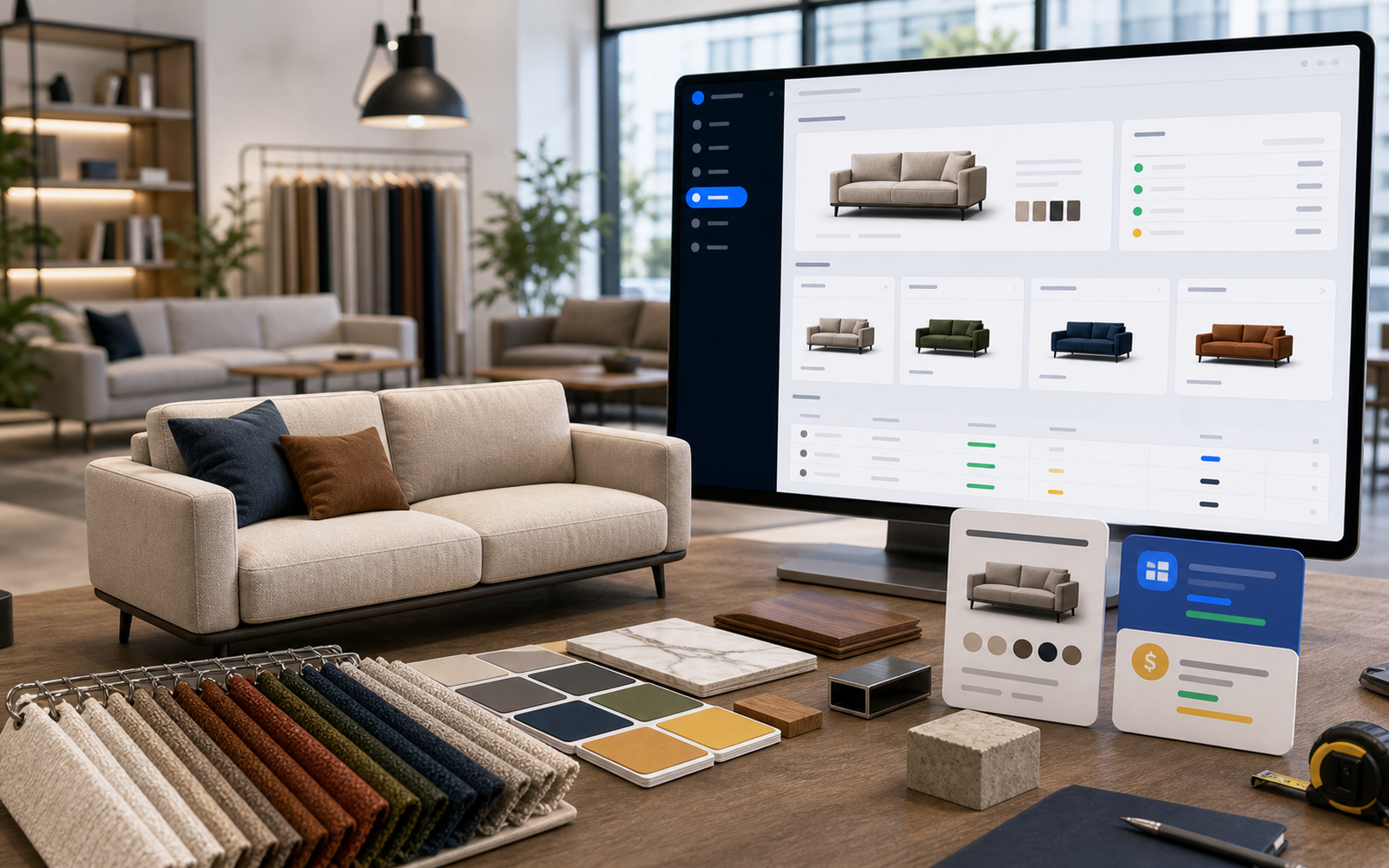
CRM ürün ailesinde neler yer alacak?
Bu alan, Delbig CRM’in ürün yönetimi, teklif/proforma, müşteri takibi, görevler, ziyaretler, stok, tedarik, sevkiyat, B2B ve raporlama gibi ürün kabiliyetlerini kategori mantığıyla anlatmak için hazırlanır.
Satış hazırlığı
- Ürün, fiyat, katalog ve teklif süreçleri aynı CRM ürün ailesi altında anlatılır.
- Yeni özellik sayfaları ilgili CRM başlığının altında konumlanır.
Gelecek yapı
- ERP, MRP, HR gibi ürün aileleri aynı ana menü altında ayrıca büyütülebilir.
- Çözümler alanındaki özel sektör ve kullanım senaryosu sayfalarıyla karışmaz.
CRM özelliklerini değerlendirirken nelere bakmalı?
Bu bölüm yalnızca menü listesi değildir. Delbig CRM özellik sayfalarını incelerken her modülün gerçek satış, operasyon ve müşteri takip akışında nereye bağlandığını kontrol edin. Demo görüşmesinde ürün, teklif, müşteri, görev, ziyaret, stok, tedarikçi, sevkiyat, B2B ve raporlama başlıklarını firmanızın günlük senaryosuyla birlikte değerlendirmek daha doğru karar verir.
Gerçek akışla kontrol
Özellik sayfasındaki ekranların tekliften siparişe, stoktan sevkiyata ve rapordan aksiyona nasıl bağlandığını birlikte inceleyin.
Rol ve yetki uyumu
Satış, depo, satın alma, yönetici ve bayi kullanıcısının aynı veriyi kendi rolüne uygun görüp görmediğini değerlendirin.
CRM özellikleri
Ürün Oluşturma ve Ürün Yönetimi
Kumaş, renk, varyant, görsel, fiyat, maliyet ve toplu katalog işlemlerini satışa hazır ürün verisine dönüştürün.
Bu akışı Delbig üzerinde birlikte değerlendirelim
Satış, teklif, stok veya operasyon sürecinizi paylaşın; kısa bir görüşmede ekibiniz için doğru Delbig kurulumunu haritalandıralım.