
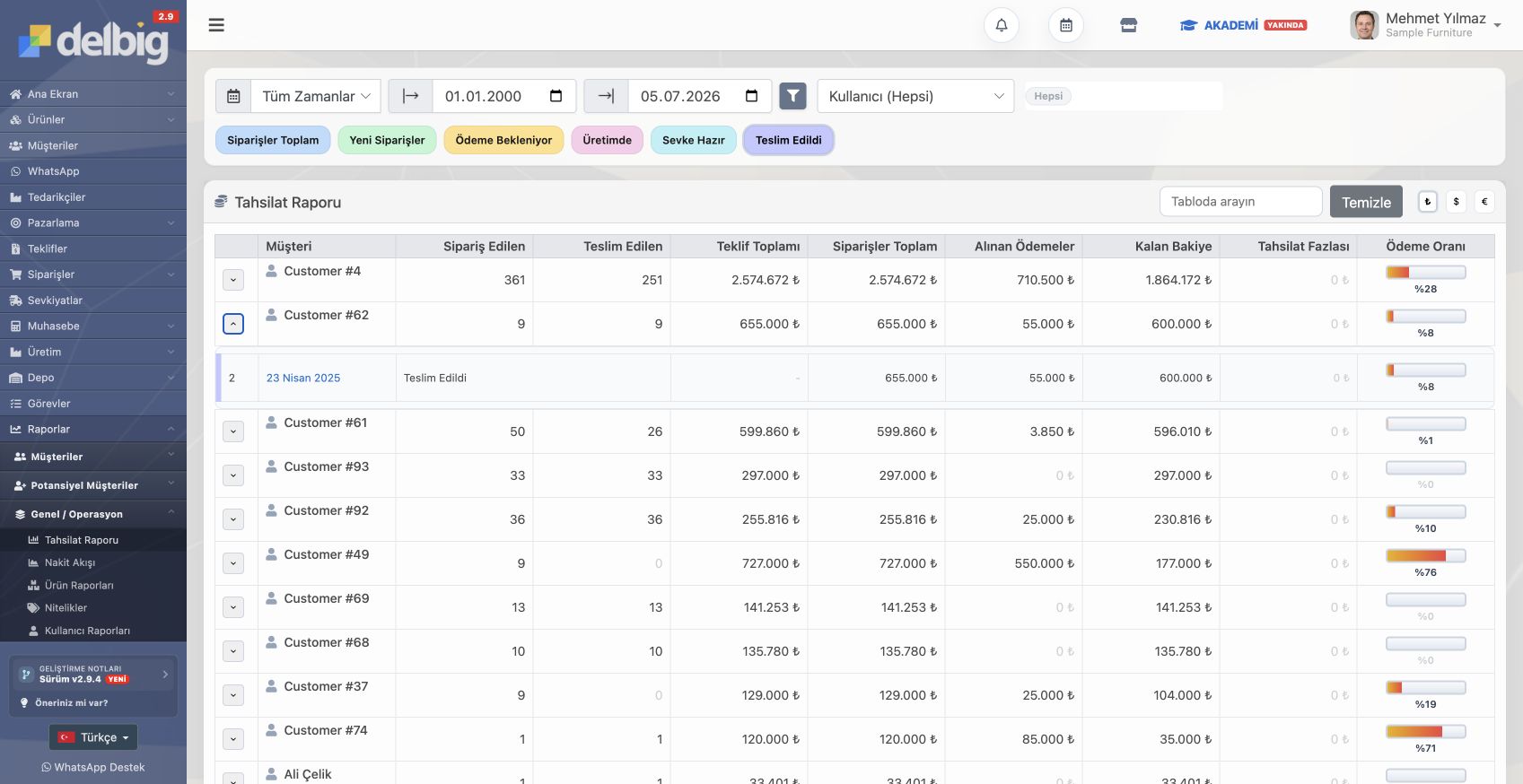
Collection tracking software can monitor received, remaining and overdue amounts; CRM manages collections together with customers, quotes, orders, invoices, tasks, team ownership and reporting context. Collection tracking shows balances and due dates; CRM also shows which customer and sales process created that balance. Quotes, orders, invoices, payment promises, tasks and team ownership should meet in the same customer history. Delbig fits teams that want collections treated as part of sales and operations follow-up, not only a finance list. If the need is only seeing account balance, received amount, remaining amount, due date and overdue list, collection tracking software may be enough. In that case, why the sale happened, what was promised to the customer and who owns the next action may remain in separate records. Inside CRM, collection is not only a balance row. The team can see which quote, order, customer conversation and payment promise created it. Sales can read financial status and previous conversations from the same screen before contacting the customer. It may be enough for balance and due-date tracking only; CRM is needed when collections must connect to customers, quotes, orders, tasks and reports. Delbig handles collections with customer history, quotes, orders, received and remaining amounts, payment promises, tasks and reporting context.
Collection risk is noticed late when it is separated from customer and sales history
When is collection tracking software enough?
What context does CRM add to collections?
Frequently asked questions
Does collection tracking software replace CRM?
How does Delbig strengthen collection tracking?
Related Delbig pages
Review this workflow with Delbig
Share your sales, quoting, stock or operation flow with us; we will map the right Delbig setup for your team in a short meeting.