
Export and Proforma Workflows: Put CBM, Weight, Package Count and Container Calculation in One Document
An export proforma is not only a price list. Buyers want to see products, currency, delivery terms, payment terms, CBM, gross weight, package count, container loading calculation and, when needed, loading or packing list information in the same document. Delbig CRM keeps these details organized inside the quote/proforma record.
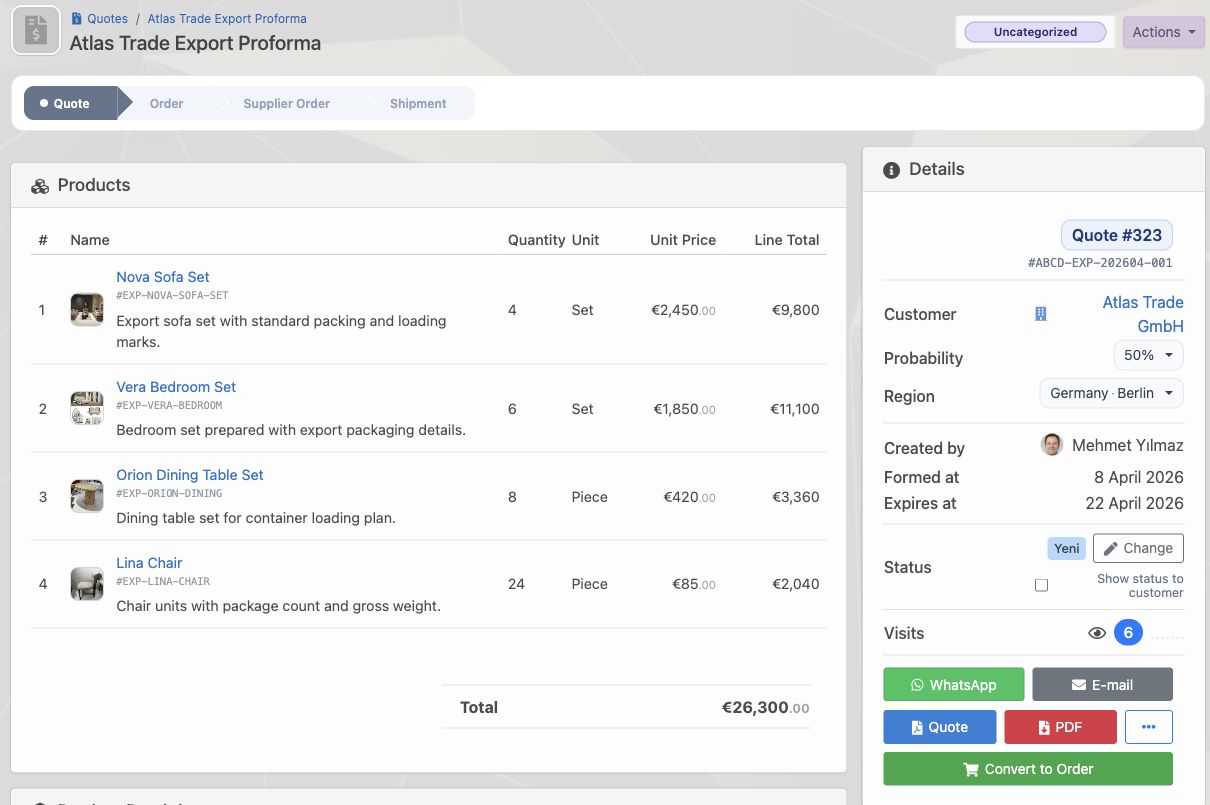
An export proforma is more than a price row
In export sales, the proforma is the main document used by the buyer for purchasing, logistics, finance, import, customs and internal approval. Product names, SKUs, quantity, unit price, total, currency, validity date, buyer/seller information, Incoterms, payment terms and delivery preparation should appear clearly on the document.
With Delbig CRM, the sales team builds the proforma from product cards and the customer record. The same record becomes a clean PDF/proforma output for the buyer and remains trackable internally with quote status, visit count, payment information and quote-to-order conversion.
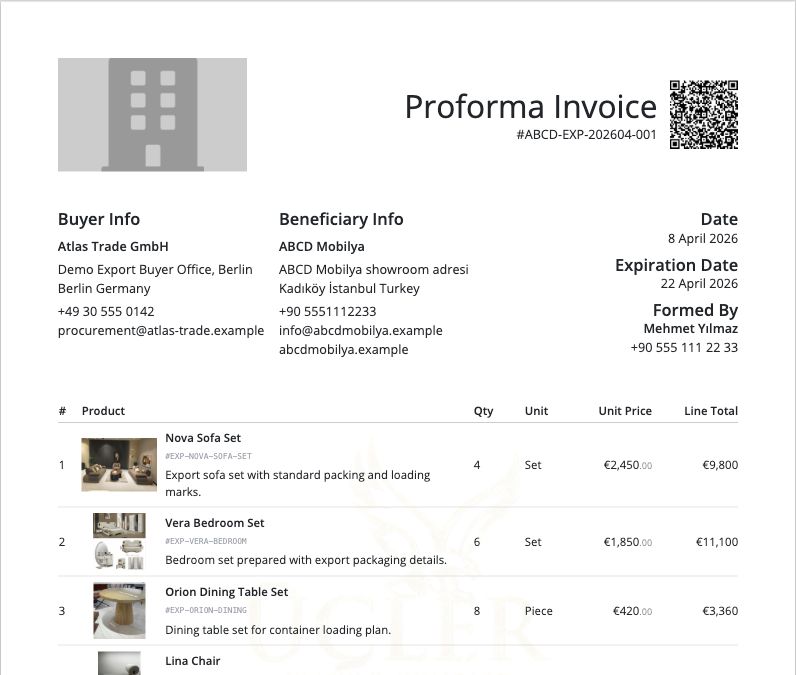
CBM, weight and package count should be visible inside the proforma
Export customers frequently ask how many cubic meters the products will occupy, what the total gross weight is and how many packages will be prepared. If these details live in a separate spreadsheet, sales and logistics teams have to check the same data repeatedly.
When product cards carry volume, weight and package data in Delbig CRM, the proforma technical table can calculate them line by line. Different products such as Nova Sofa Set, Vera Bedroom Set, Orion Dining Table Set and Lina Chair can be combined in one proforma with total CBM, total kg and total package count.
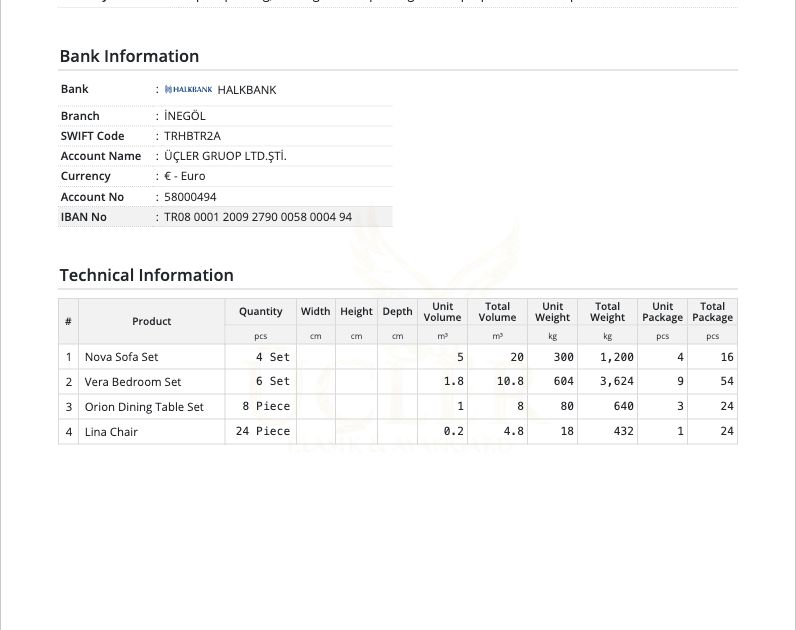
Container calculation gives the buyer more confidence
A proforma should not only say “these products cost this much”; it should also help the team understand how the goods fit into a container. Delbig CRM can display 20DC, 40DC and 40HC options with nominal capacity, safety margin, order volume, order weight and fill percentage in the same view.
This is especially useful in export sales. The buyer can see how a 43.6 m³ and 5,896 kg order fits into a 40HC container before making a decision. The sales team can start the freight or loading conversation with concrete data instead of manual estimates.
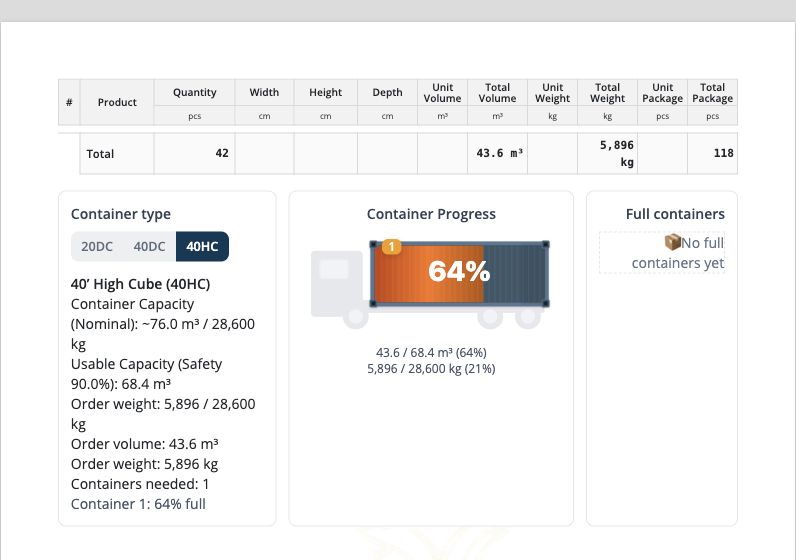
Loading lists, packing lists and Excel outputs come from the same record
For export teams, document preparation does not end with a proforma PDF. Customers or logistics teams often ask for priced or unpriced Excel files, custom Excel exports, packing lists, production Excel files, loading lists or weight/packing details.
In Delbig CRM, these outputs stay connected to the same quote/proforma record. The team can download Excel, custom Excel, Packing List, Production Excel and print outputs without wondering which file is the latest version.
- Priced or unpriced Excel outputs can be downloaded.
- Packing List and Production Excel files can be generated from the proforma record.
- PDF, print and custom Excel options stay in the same menu.
- Sales, production and logistics teams use the same current document.
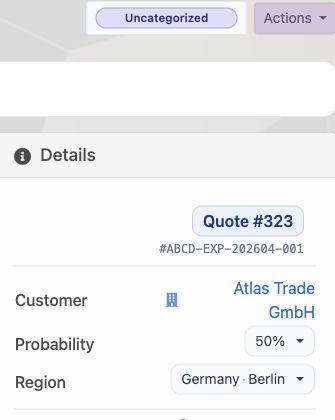
Track how many times the shared proforma is viewed
In export sales, a buyer response can take days or weeks. During that waiting period, one of the most useful signals is whether the proforma was actually opened. Delbig CRM shows the visit count on the quote/proforma detail, so the team can use customer engagement data in the follow-up process.
This makes sales follow-up more professional. If the buyer opens the document several times, the representative can follow up at the right moment, revise the proforma in the same record, convert an accepted proforma into an order and start the next operational step.
| Buyer question | Information that should appear | Impact in Delbig CRM |
|---|---|---|
| How much CBM does it take? | Product-level and total CBM/cubic meter value. | Sales and logistics discuss the same technical total. |
| What is the total weight? | Unit weight, total weight and order weight. | Freight, handling and loading preparation become clearer earlier. |
| How many packages will be prepared? | Unit package and total package count. | Packing list and warehouse preparation stay aligned with the proforma. |
| Does it fit into a container? | 20DC, 40DC and 40HC fill calculation. | The buyer sees a concrete container view before deciding. |
| Was the document viewed? | Visit count, view and sharing tracking. | The sales representative follows up using data instead of guesses. |
Related solution pages
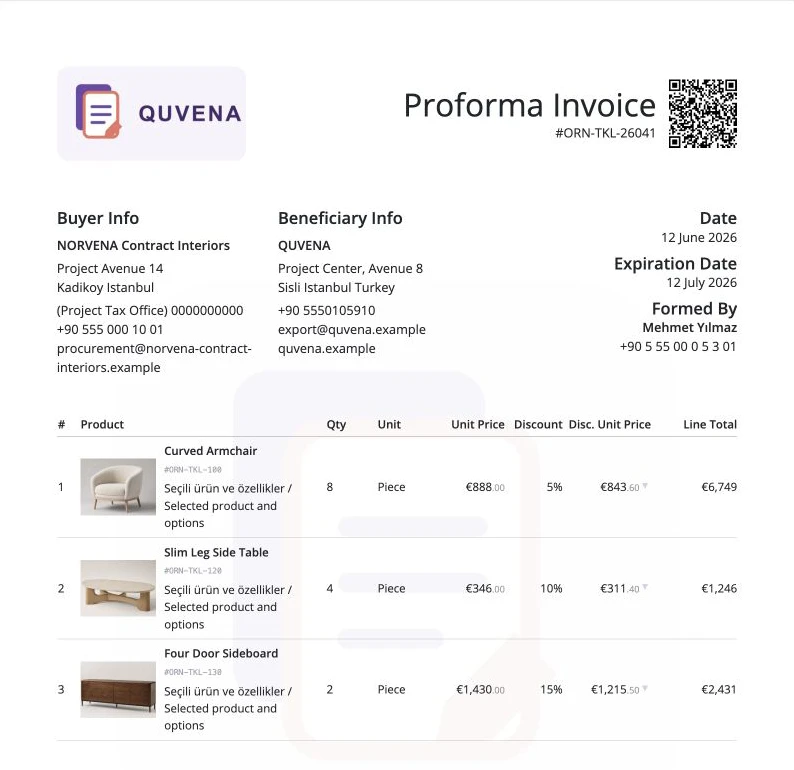
Quote and Proforma Management
Manage products, prices, discounts, PDF output, WhatsApp sharing and quote visit tracking in one sales record.
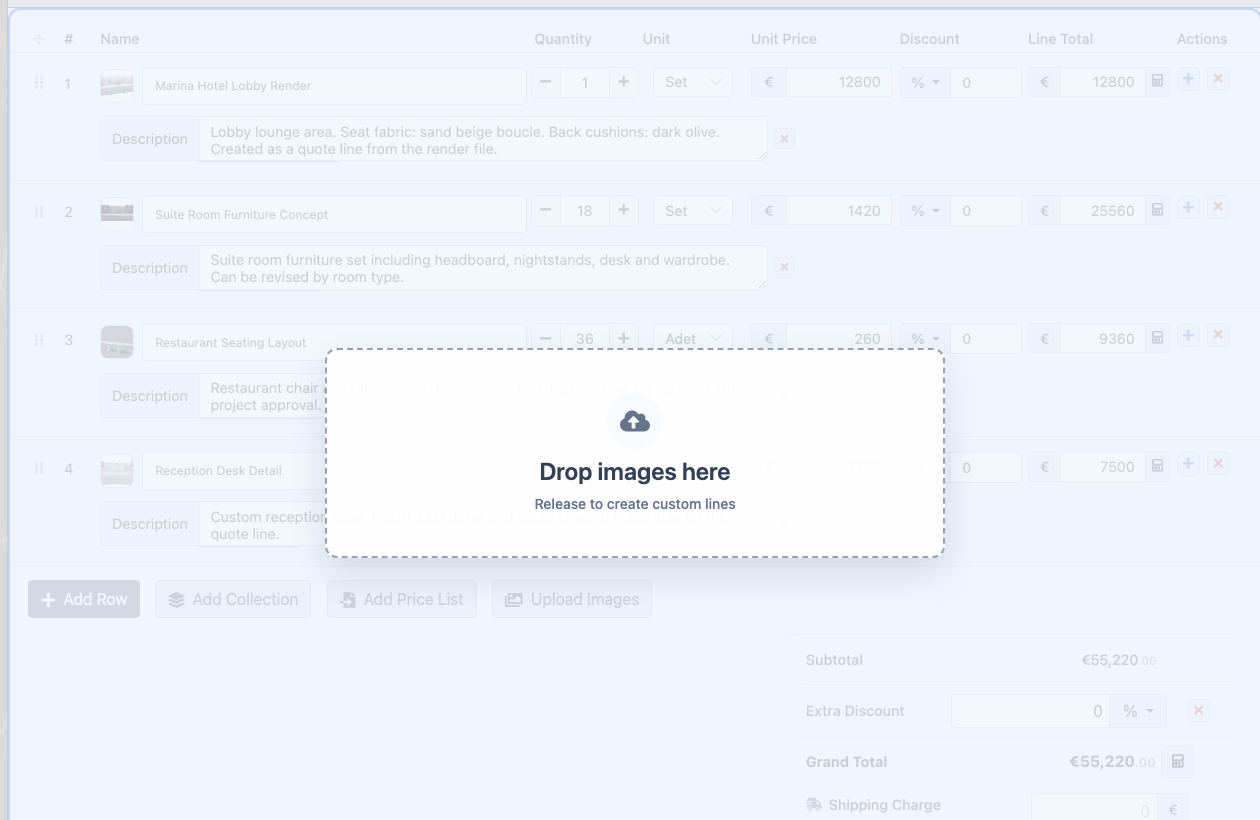
Project-Based Sales Teams
Create quote lines from renders and visuals; manage technical details, attachments and customer revisions in one record.
Frequently Asked Questions
Can CBM, weight and package count be shown on the proforma?
Yes. When volume, weight and package data are stored in product cards, the proforma can show line-level and total values in the technical information area.
Can container calculation be used inside the proforma?
Yes. Delbig CRM can show nominal capacity, usable capacity, order volume, order weight, fill percentage and required container information for 20DC, 40DC and 40HC.
Can we download a Packing List or loading list?
Yes. Excel, custom Excel, Packing List, Production Excel, PDF and print options can be generated from the proforma record. Sales, production and logistics teams stay connected to the same data.
Can customer views be tracked?
Yes. Visit count and viewing data from the shared quote/proforma link can be used for sales follow-up. This helps representatives contact the buyer at the right time.
Review this workflow with Delbig
Share your sales, quoting, stock or operation flow with us; we will map the right Delbig setup for your team in a short meeting.