
Production routing and workstation tracking show which operation steps a work order should pass through, where it is waiting and which stage has been completed. Routing standardizes the steps a production order should pass through. Workstation tracking reveals delayed work and bottlenecks earlier. Delbig positions board, station and work-order data in one flow. If a product should pass through cutting, assembly and quality control, that sequence should be defined in the system. Without routing, tracking remains a generic status field. In the workshop, the team should quickly see which job is waiting at which station. That visibility improves coordination and strengthens delivery answers to customers. Routing defines the operation sequence and forms the base for workstation tracking. No. Sales and shipment teams can also answer customers better when they see where work is waiting.
Make the waiting station visible
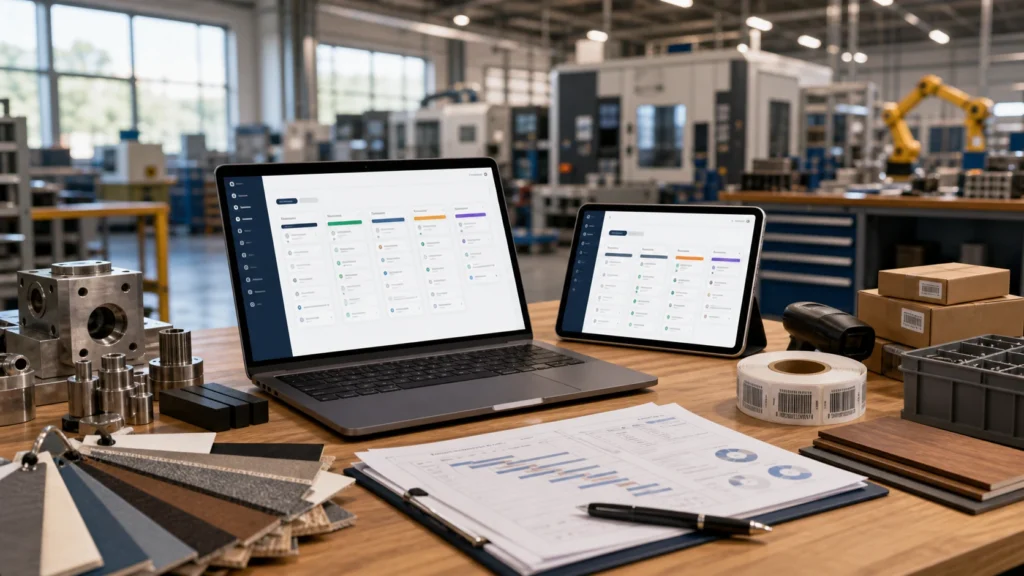
Routing clarifies operation order
A station board speeds daily follow-up
Frequently asked questions
Why is production routing needed?
Is a station board only for production?
Related Delbig pages
Review this workflow with Delbig
Share your sales, quoting, stock or operation flow with us; we will map the right Delbig setup for your team in a short meeting.