
Production barcode and work-order tracking make the order, station, quantity and status of shop-floor work visible through barcode-based records. Barcode connects the physical movement of a production order with the system record. Work-order detail should show product, routing, station, quantity and status together. Delbig aims to connect production movement with inventory, cost and shipment visibility. If production status is updated manually at the end of the day, information arrives late. Barcode-based work orders help record product or operation movement faster. A work order brings customer order, product, BOM, routing, material consumption, station progress and cost into one file. Without that center, production reporting remains incomplete. It connects work order, product, station and movement data with the physical shop-floor process. Yes, but delayed updates, wrong records and invisible shop-floor movement become more likely.
Work orders should not disappear on the floor
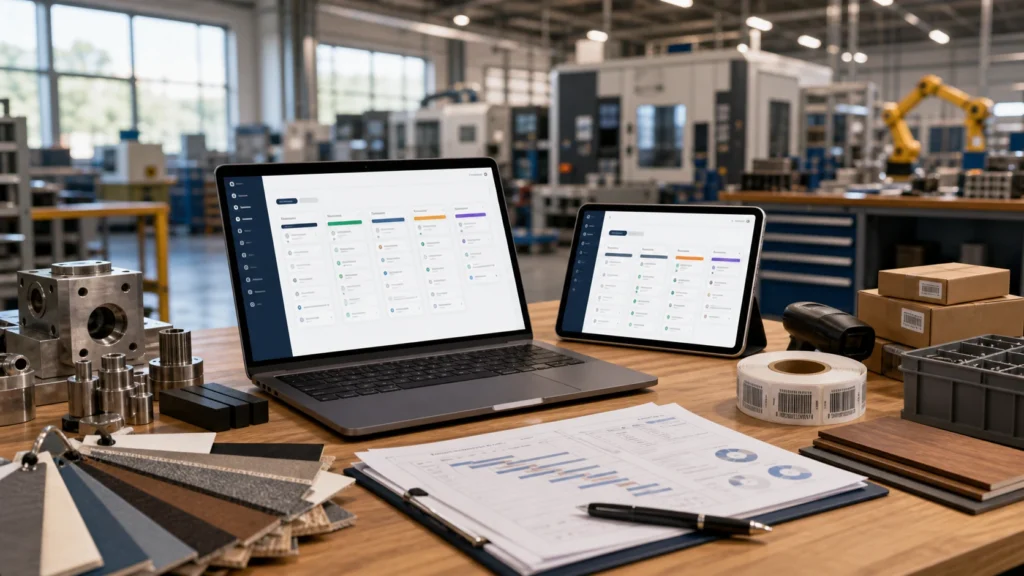
Barcode speeds shop-floor updates
The work order should be the production file center
Frequently asked questions
What is a production barcode used for?
Can production be tracked without barcode?
Related Delbig pages
Review this workflow with Delbig
Share your sales, quoting, stock or operation flow with us; we will map the right Delbig setup for your team in a short meeting.