
A controlled expense flow from receipt to report
Expense Management Software
Delbig expense management software brings receipts, invoices and other expense documents together with category, related party, currency, status, payment and attachments.
Keep expense documents organized and searchable
Record receipts and invoices through quick or detailed entry. Title, document number, date, total, currency, row count and attachments remain visible in one list.
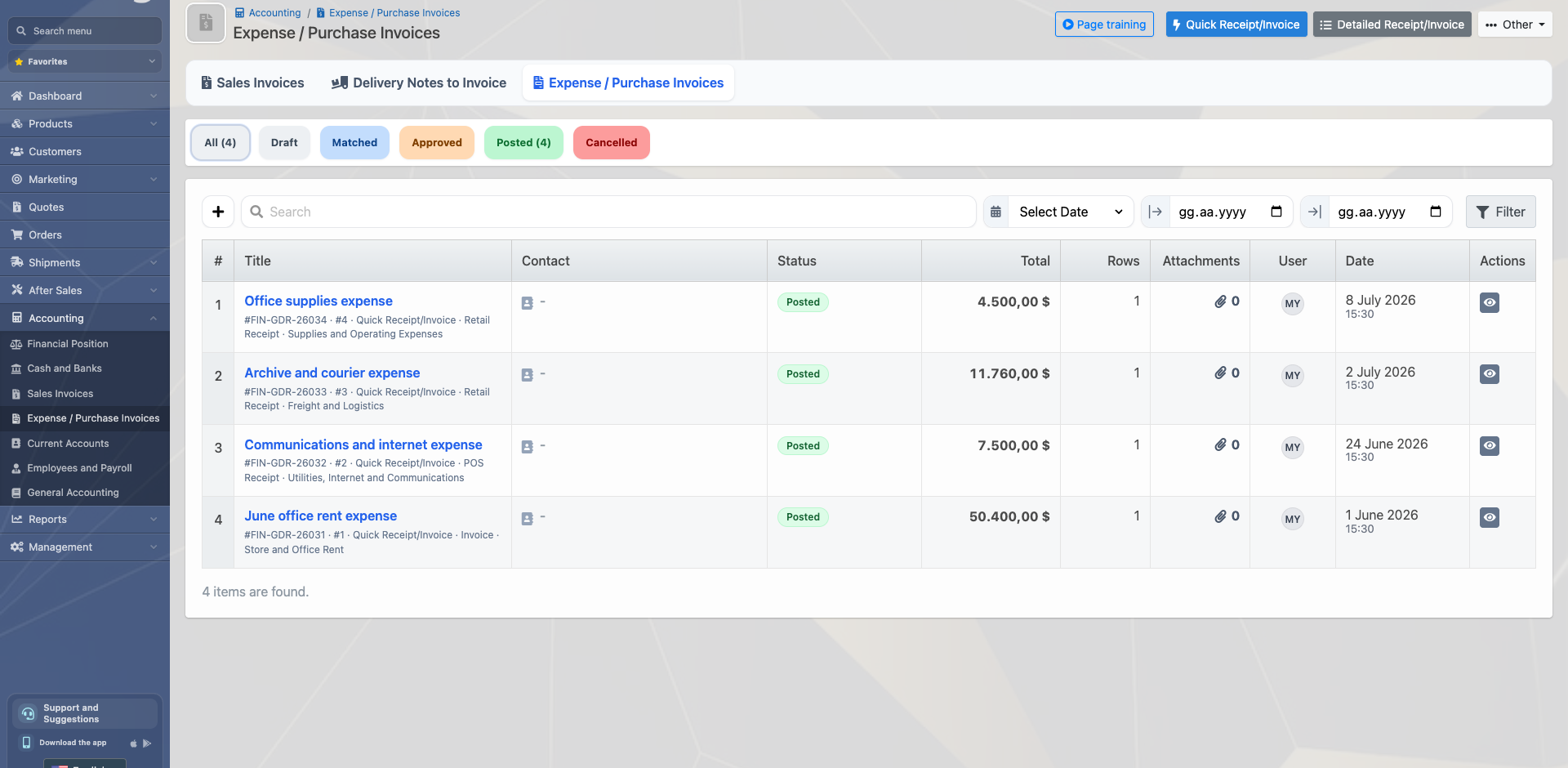
Preserve category, related party and document detail
Use office, logistics, communications, rent or business-specific categories. Link a document to a supplier, employee or current account so its context remains clear.

Track status and payment movements together
Draft, matched, approved, posted and cancelled states stay distinct. An expense payment can link to a cash or bank movement, preserving the trail between document and financial movement.
Gain period and category visibility through expense reports
Expense reporting supports period and category visibility under the user’s permissions. Drill-down and Excel export help finance teams control and reconcile records.
Frequently asked questions
Can receipts and expense invoices be tracked in one list?
Yes. Quick and detailed receipt/invoice records appear in the same expense-document flow with their statuses.
Can expenses be separated by category and related party?
Yes. Category, supplier, employee or current-account context can remain attached to the document.
Can an expense document be linked to its payment?
Yes. A posted expense document can be related to a cash or bank payment movement and included in reports.
Build your expense workflow with Delbig
Share your current receipt, invoice, category, approval and payment process; we will map the right expense flow for your team.