
Furniture CRM software pricing should be compared by users, quotes/proformas, products and price lists, inventory, shipment, dealer portal, export and production needs together. Furniture CRM price should not be compared only by license cost per user. Showroom, dealer, inventory, shipment, export and production scope changes total cost. The best evaluation starts with which workflows the company will move into the system first. Furniture CRM pricing depends on operational scope before user count. A showroom that only needs customer follow-up and a manufacturer that needs visual quotes, dealer price lists, inventory, shipment and export proforma should not be evaluated as the same scope. If products, collections, price lists, customers, dealers and old quotes are scattered, setup effort increases. Evaluate license, data cleanup, training and implementation scope together. A package may look affordable at first, but if quotes, PDFs, product visuals, inventory, shipment or dealer portal create extra manual work later, total cost rises. For furniture companies, price should be read together with reduced Excel and manual tracking workload. User count, quote/proforma scope, dealer portal, inventory, shipment, export, production and data migration needs change pricing. It may be enough for simple customer tracking, but product, price, quote, inventory and dealer workflows need a broader scope review.
Read pricing with module scope and operational workload
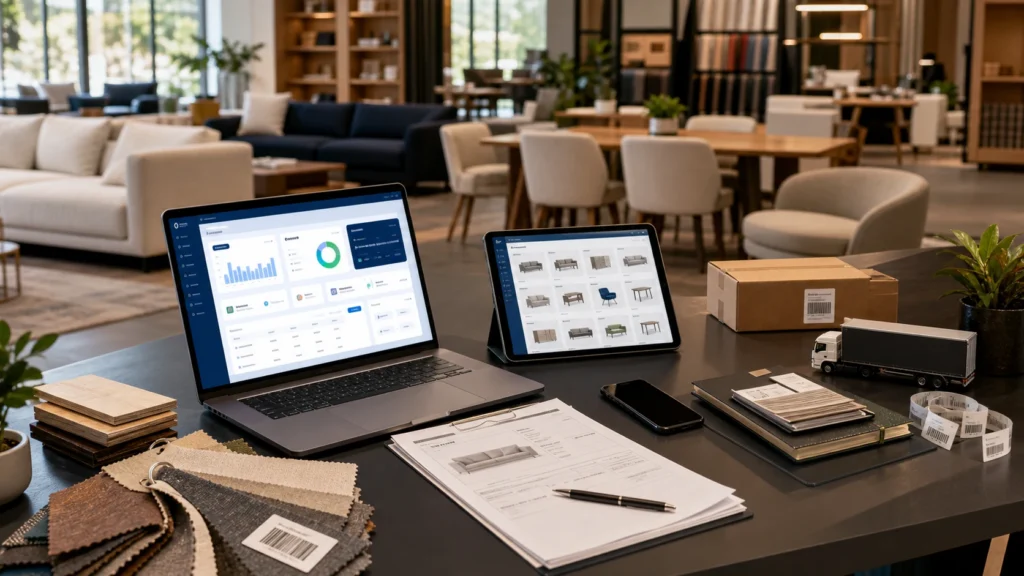
Start by listing which furniture workflows are included
Data migration is also part of cost
A cheap package can become expensive with the wrong scope
Frequently asked questions
Why does furniture CRM price vary?
Is the cheapest CRM package enough?
Related Delbig pages
Review this workflow with Delbig
Share your sales, quoting, stock or operation flow with us; we will map the right Delbig setup for your team in a short meeting.