
In a CRM demo, prepare questions around your own quote, product, price, customer, inventory, dealer, production, integration and reporting scenarios. During the demo, test the real workflow, not only menu screens. Turn current Excel, quote, customer and product problems into demo scenarios. By the end, package, module and data preparation needs should be clear. A good demo answers the company’s real workflow instead of only touring screens. Choose one customer, one product group, one price list and one post-order process, then follow that flow end to end. After the demo, the goal is practical clarity, not only preference. Write down which package fits, which module is needed, which data must be cleaned and which workflow should go live first. Prepare real examples from current quotes, products, customers, price lists, inventory or dealer workflows. The suitable package, required modules, data preparation, training and first go-live workflow should be clear.
A demo should validate workflow, not just show screens
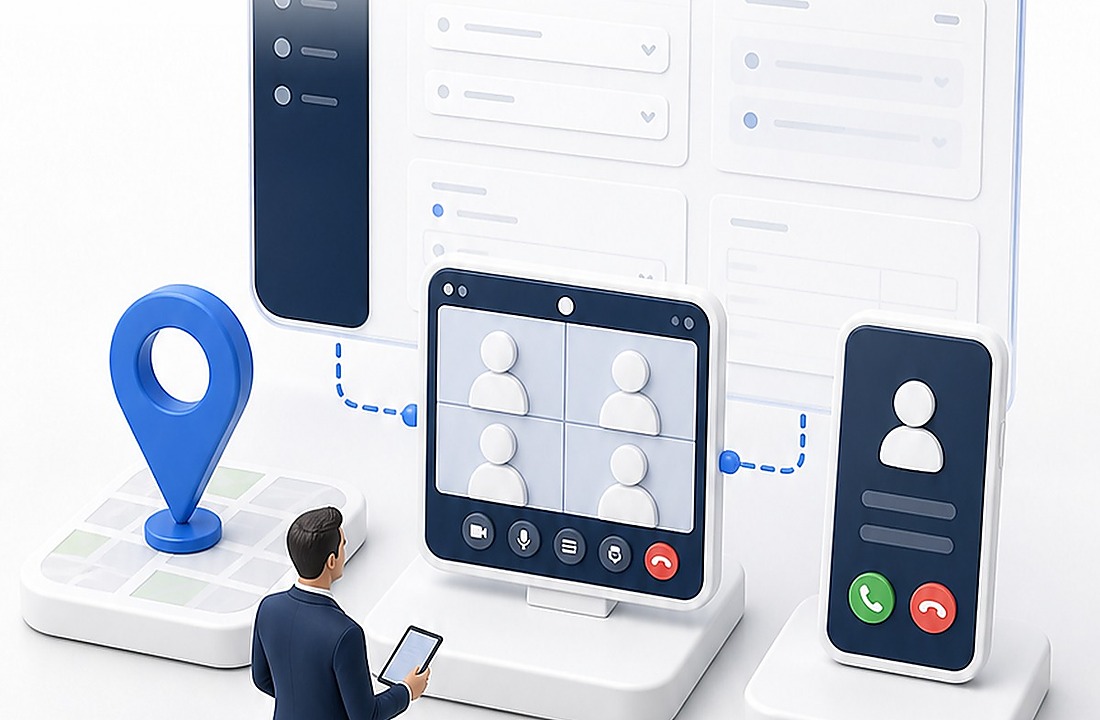
Bring your own scenario to the table
Create a decision note after the demo
Frequently asked questions
How should you prepare for a CRM demo?
What should be clear after the demo?
Related Delbig pages
Review this workflow with Delbig
Share your sales, quoting, stock or operation flow with us; we will map the right Delbig setup for your team in a short meeting.