
Digital Business Card
Digital business card + NFC card + CRM
Buy a Digital Business Card and NFC Card
Delbig opens from a matte black NFC card or QR link so buyers can view your profile, save contact details, review products and send quote requests into the CRM workflow.
- The physical NFC card and digital profile open the same sales workflow.
- QR business card actions, contact saving and catalog links stay in one profile.
- When a request arrives, source, product and customer details can be tracked in CRM.
The digital business card can be shared on its own. Product and catalog display, the quote request button and source-based request tracking require the digital business card module to be active in Delbig CRM. If you do not use CRM yet, we define the setup before the order.
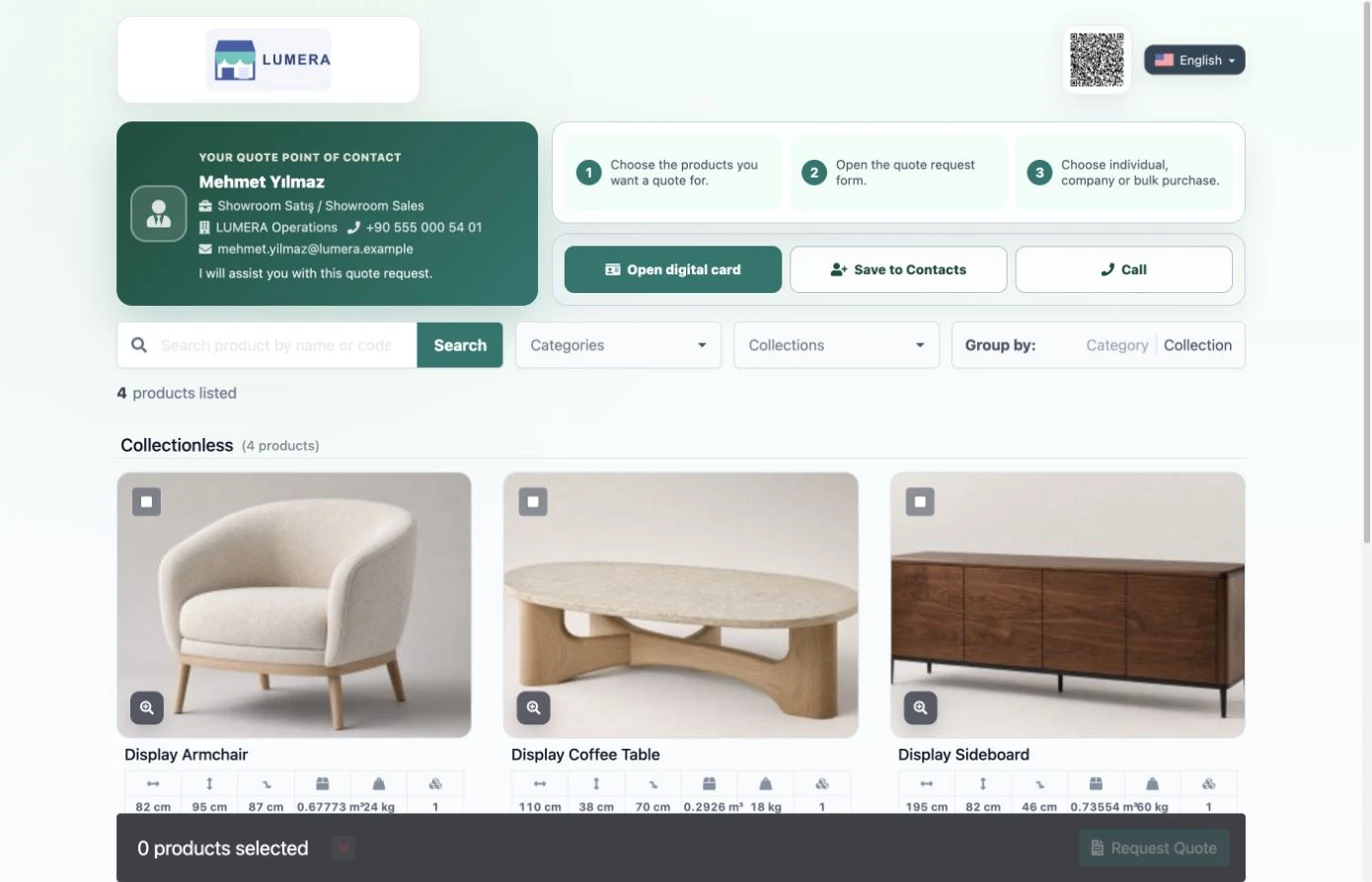
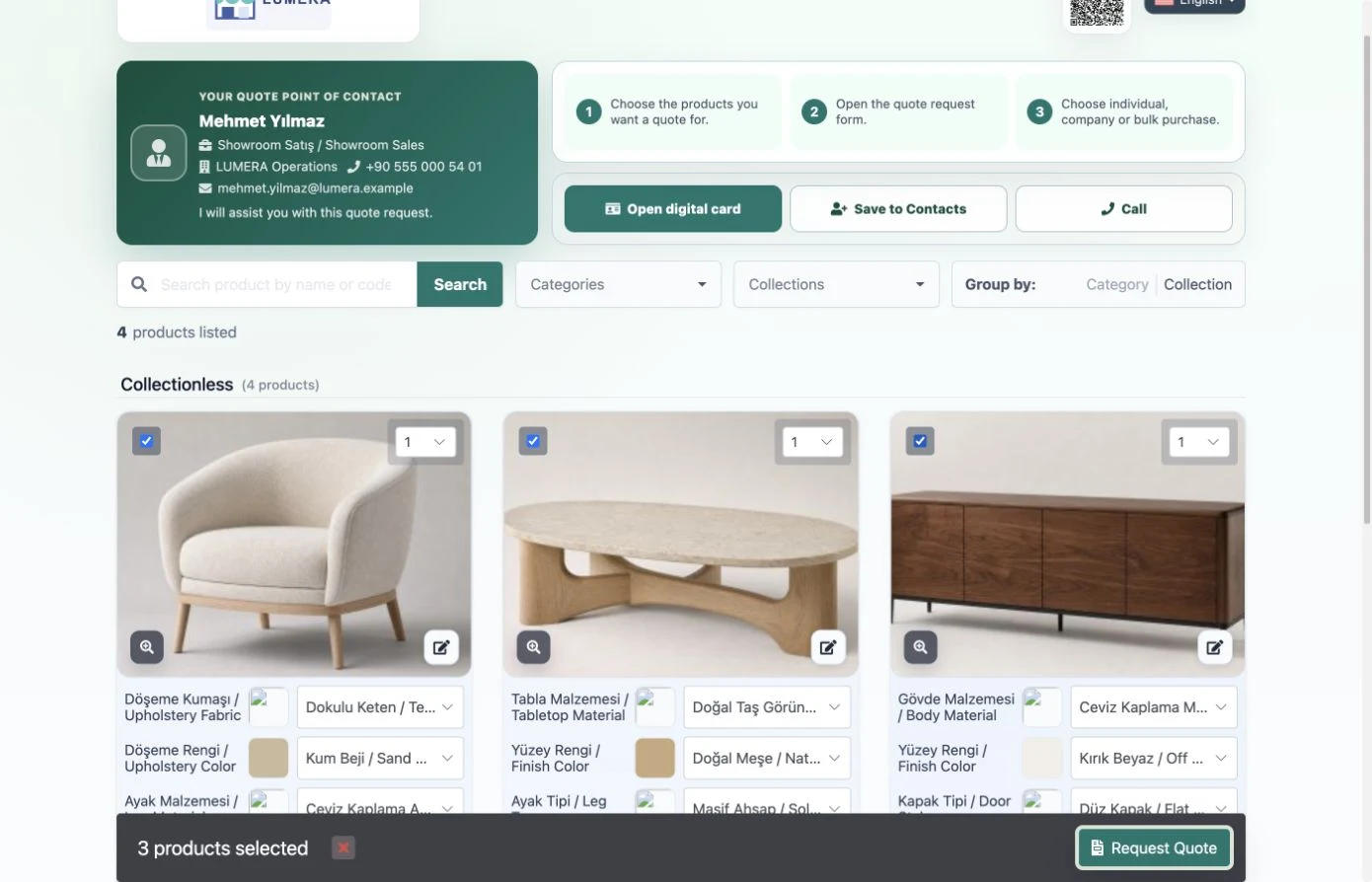
Customers can open your profile, review and select products, then send a quote request in the same flow.

Physical NFC card and digital profile
Connect your business card to products and quote requests with one tap
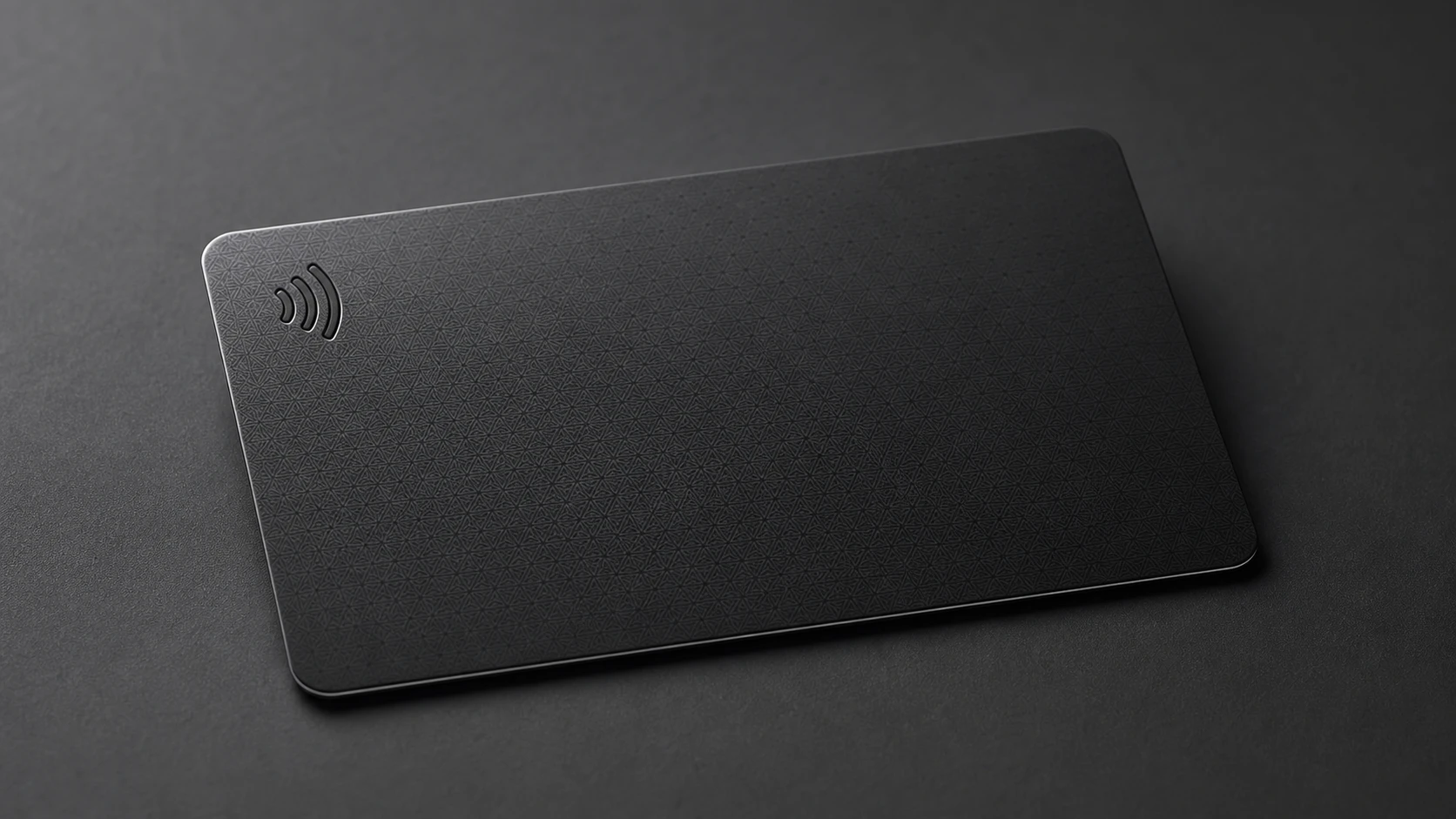
A matte black NFC card or QR link opens your customer-facing profile, lets buyers review your products and sends quote requests into the Delbig CRM workflow. The real card preview shows the professional feel of the physical touchpoint.
Card options
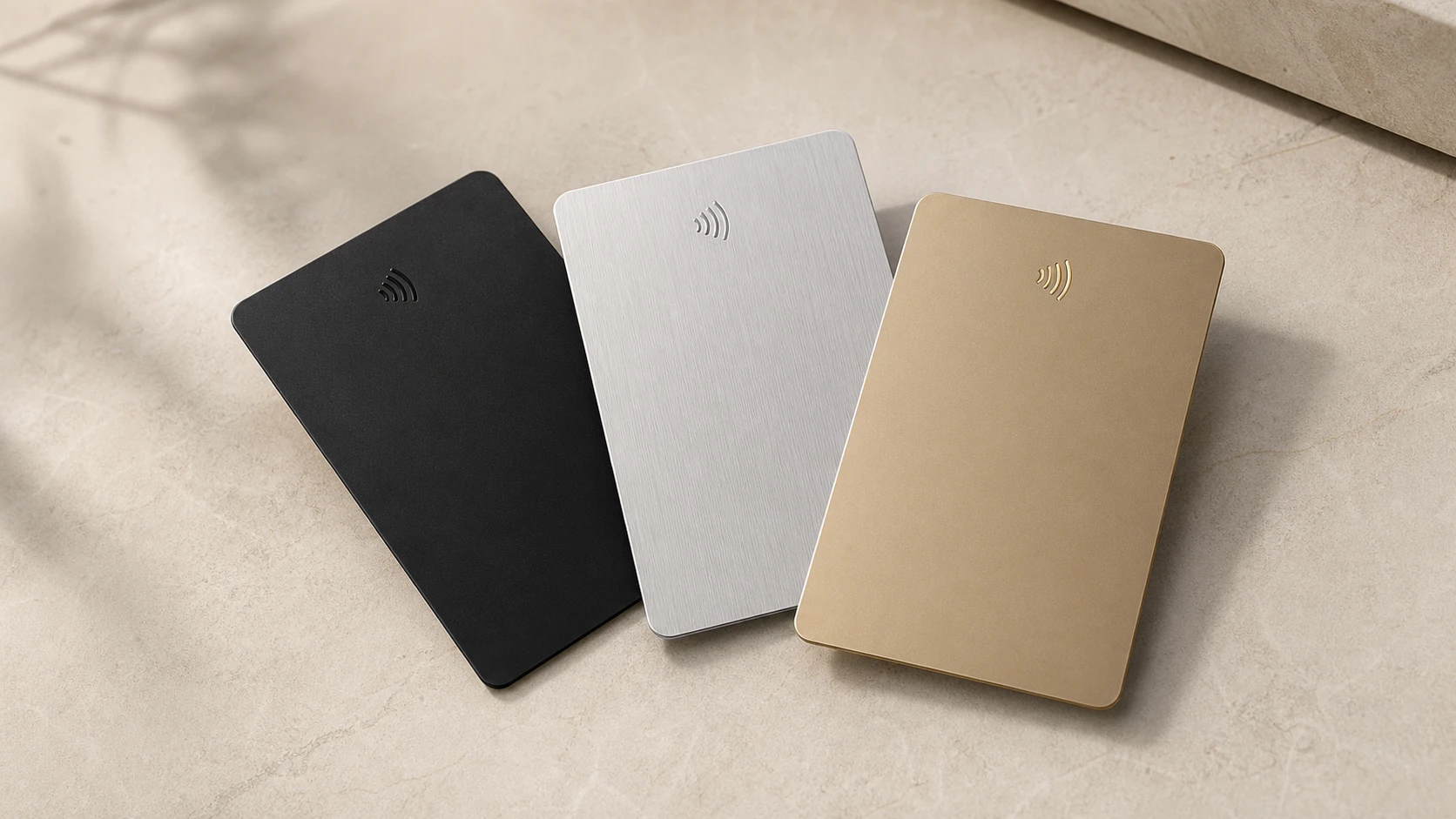
Explore matte black, silver and gold NFC card options
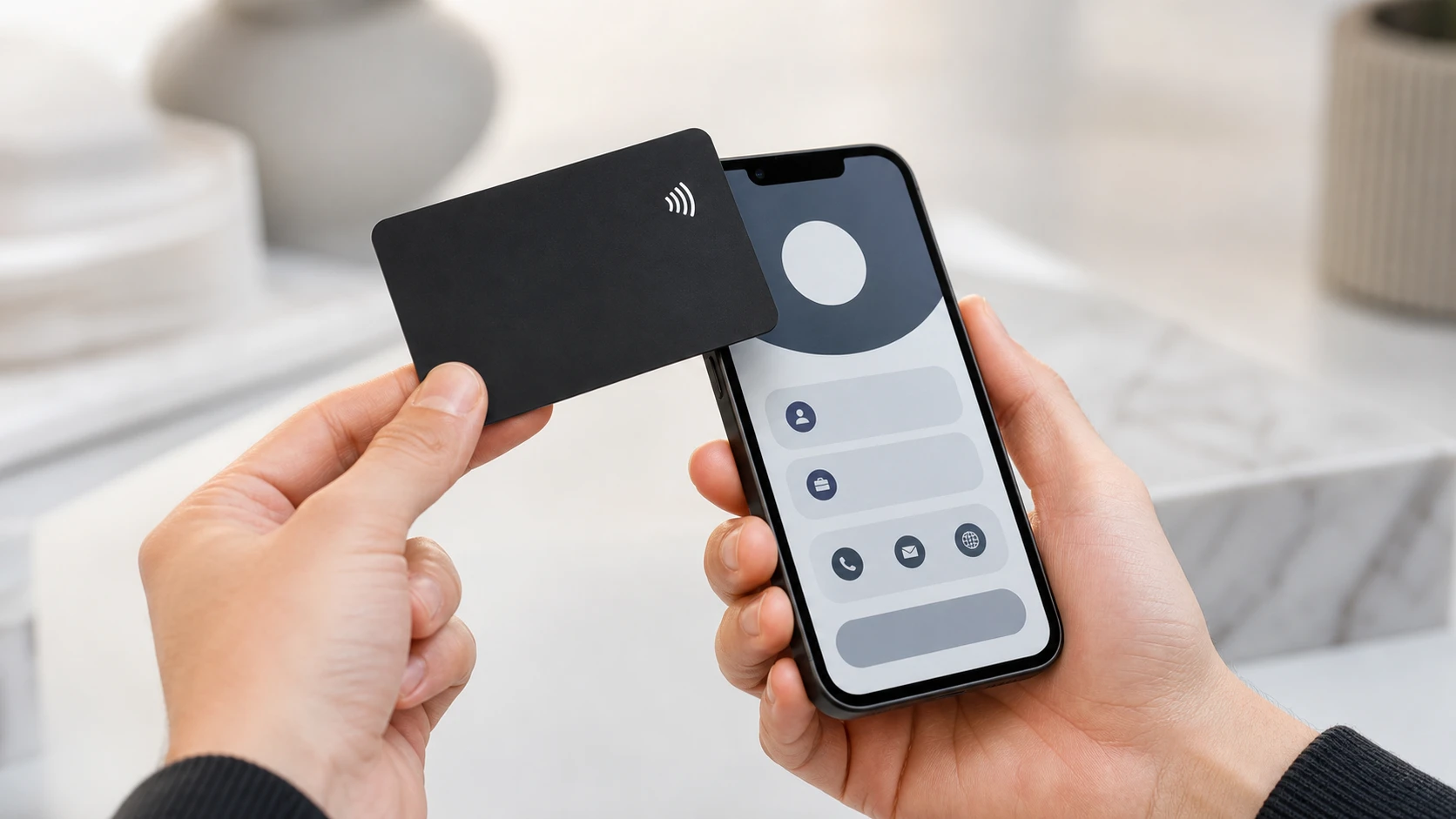
Three publication-safe product images show the card texture, contactless use and color options without personal or company data.
Customer-facing screen
A tap takes the customer to your products
The phone shows a customer-facing card profile, not the CRM panel. Saving the contact, calling, WhatsApp, product display and quote request actions are presented in one clear flow.
CRM connection
Follow-up stays visible when the request reaches CRM
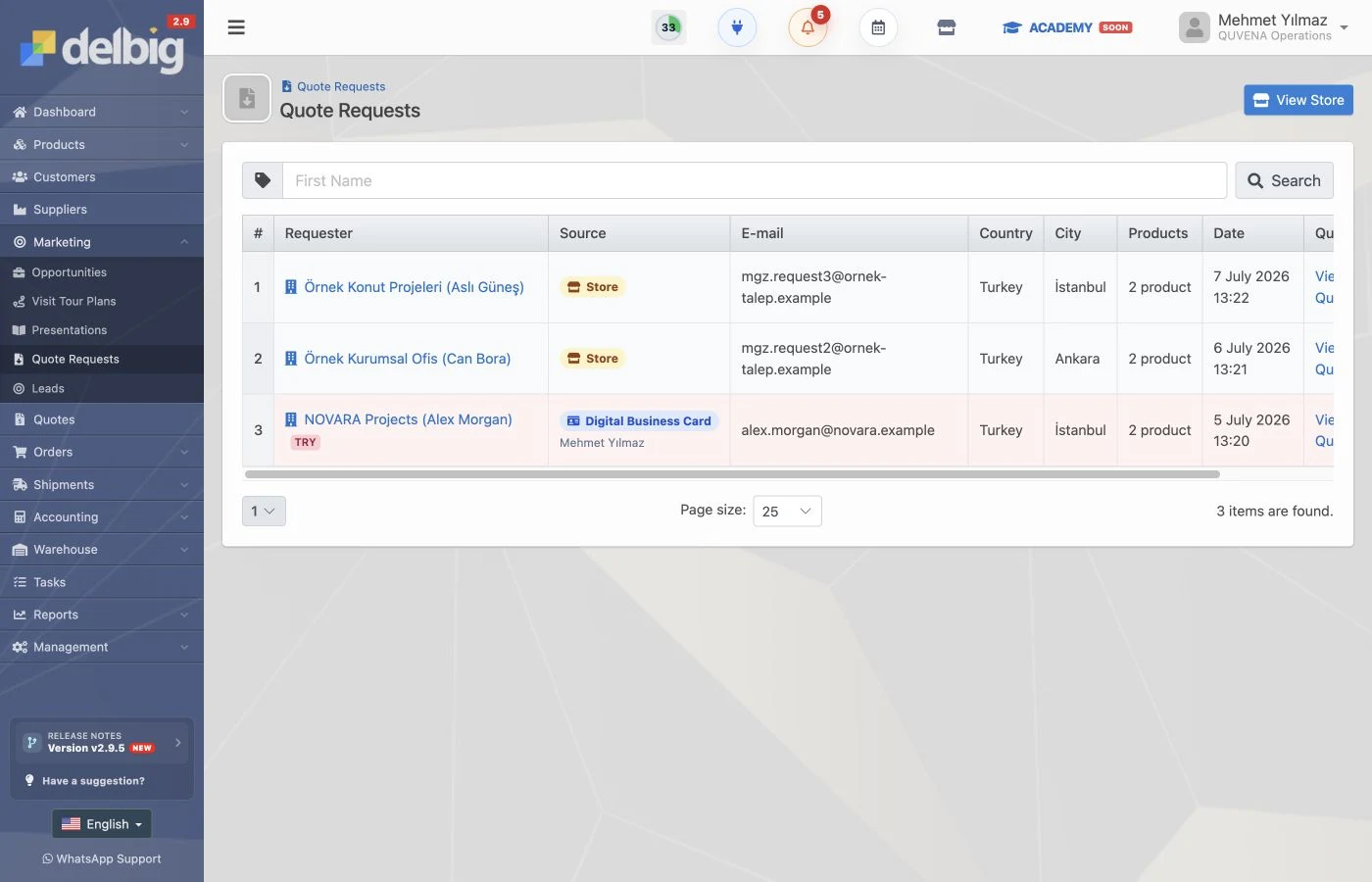
A request from the card joins the sales workflow with source information. CRM makes it possible to see who viewed the profile, which products were selected, which request arrived and who owns the follow-up.
Kart okutulur
The customer opens your profile and reviews products.
Product is selected
The customer creates a request for selected products.
CRM takip eder
The request reaches the sales team with source and product details.
NFC kartvizit
The same profile is also available as a physical NFC card
The digital business card link works on its own. Teams can also order the same profile as a matte black physical NFC card; tapping it at a fair, showroom or customer visit opens the same sales flow.
NFC + QR usage proof
How does an NFC and QR digital business card work?
One digital business card profile opens with an NFC tap or a QR scan. Visitors can reach your contact details, products and quote request flow without installing an app.
-
01
Hold the NFC card near the phone
A compatible phone with NFC enabled detects the card. Tapping the notification opens the secure digital business card profile.
See the physical NFC card -
02
Scan the QR code with the camera
The QR code on the card opens the same profile, so visitors who do not use NFC can access it with their phone camera.
Review the live QR preview -
03
The profile starts the sales workflow
Visitors can save your contact, call, message you on WhatsApp, review products and submit a quote request.
See the customer profile and CRM flow
CRM-connected digital business card
A digital business card should start the sales workflow
Delbig connects NFC cards, QR profiles, product catalogs, quote requests and CRM source tracking in one workflow. A card scanned at a fair, showroom or customer visit can become a measurable sales opportunity.
What is a digital business card?
A digital business card is an online profile opened by QR code or NFC tap. It can hold contact details, social links, product catalogs, video and quote request actions on a single page.
What is delivered with an NFC card order?
A Delbig order includes the matte black physical NFC card, the QR-connected digital profile and a setup process for name, role, logo and contact details on the card.
How is digital card pricing shown?
The current price and order step are shown in the add-to-cart area. If you need CRM-connected catalog, quote request or team usage, the setup scope is clarified before purchase.