
Design Your Room
Design the room together.
Turn the design into a quote.
Bring your customer's chosen furniture together in one room. Explore layouts, fabrics, and dimensions, then turn the final design into a quote with its products and prices.
Request a meeting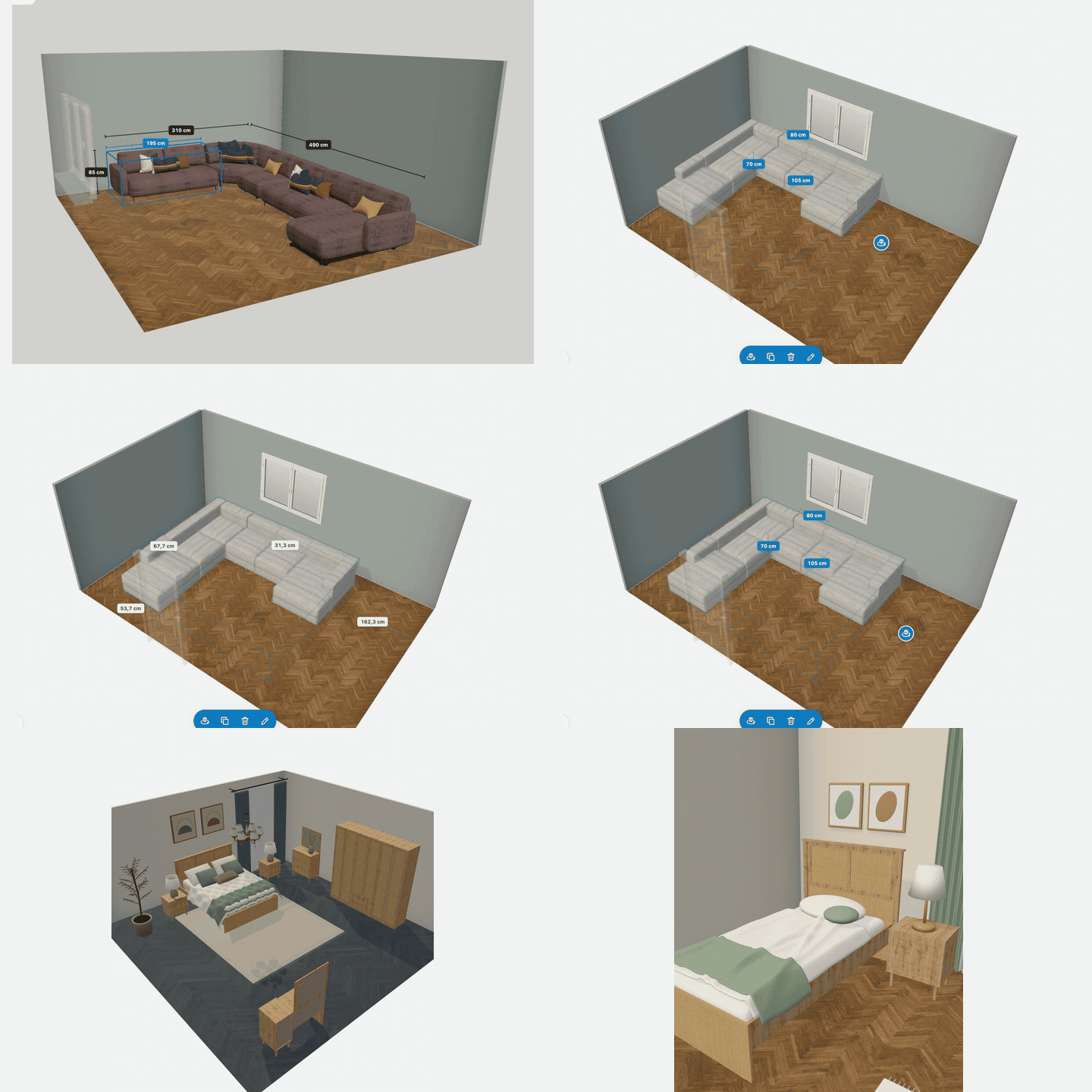
Start with the room’s actual dimensions
Draw the room and adjust its width, depth, doors, windows, and flooring to match the space. Add products and drag them into place. You can also start with ready-made living rooms, bedrooms, and youth rooms, then rearrange the furniture.
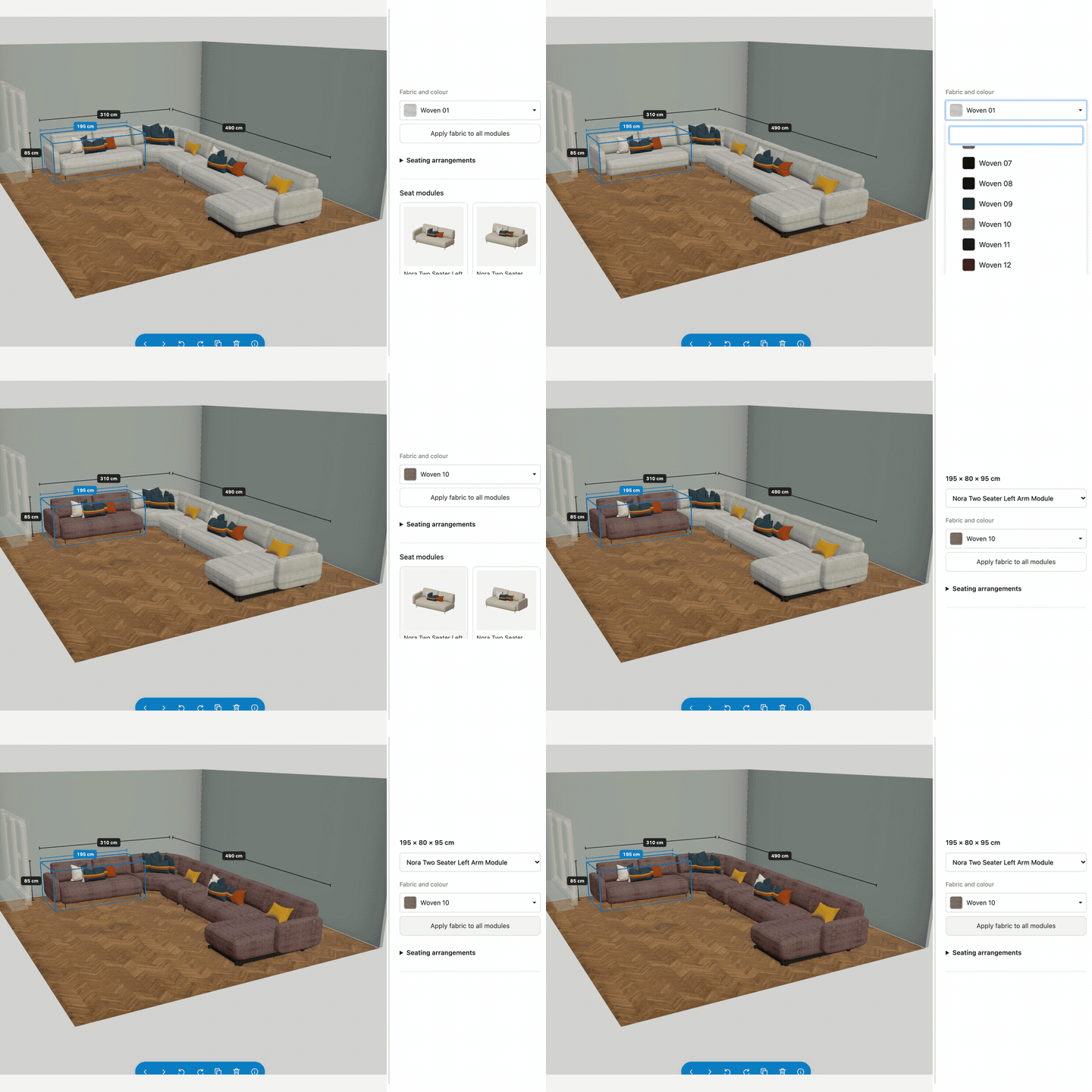
Change the fabric. See the result instantly.
Compare fabric and color options on corner sofas, sofas, and armchairs directly in the scene. Apply your chosen fabric to every module or give a single module a different color.
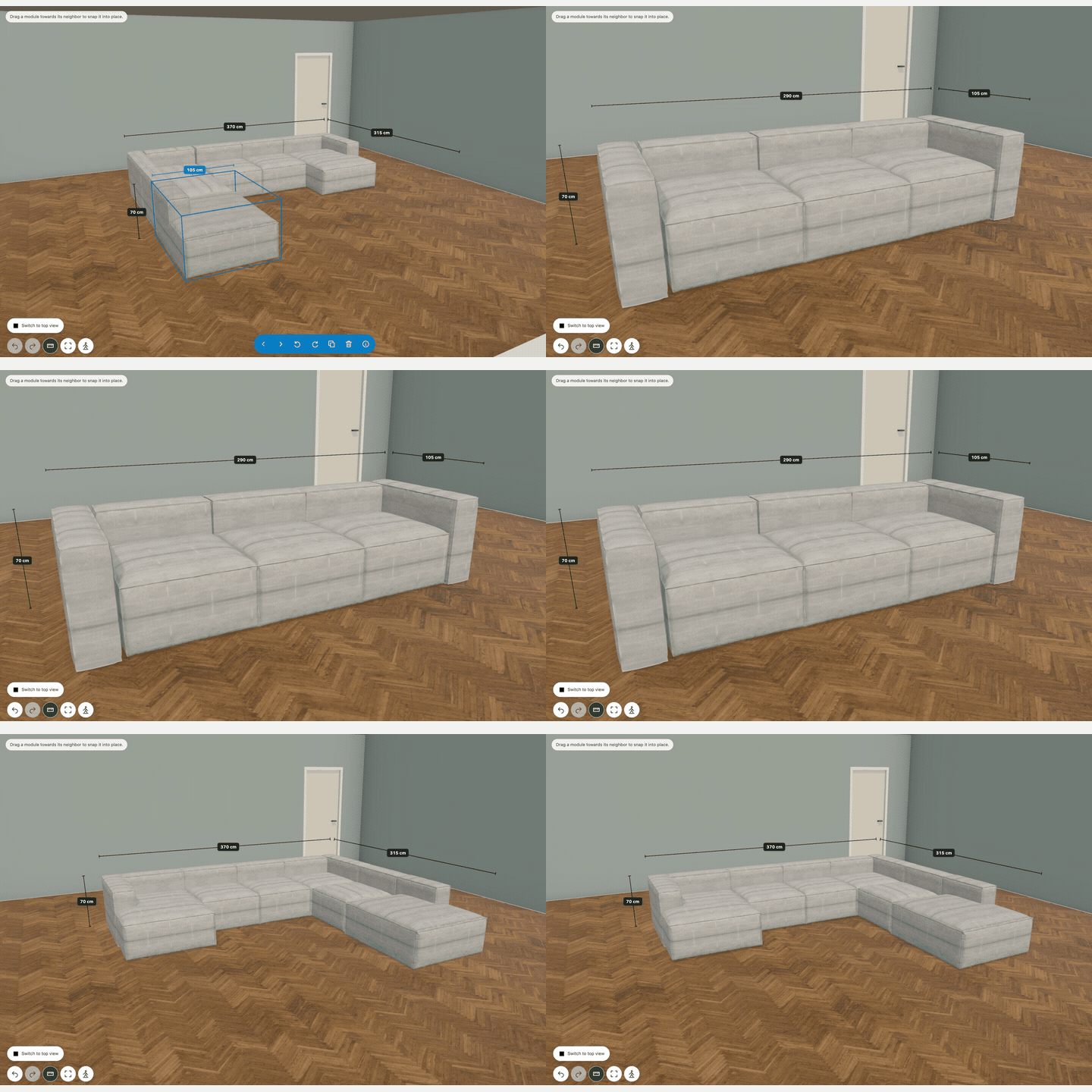
Arrange modules to suit the space
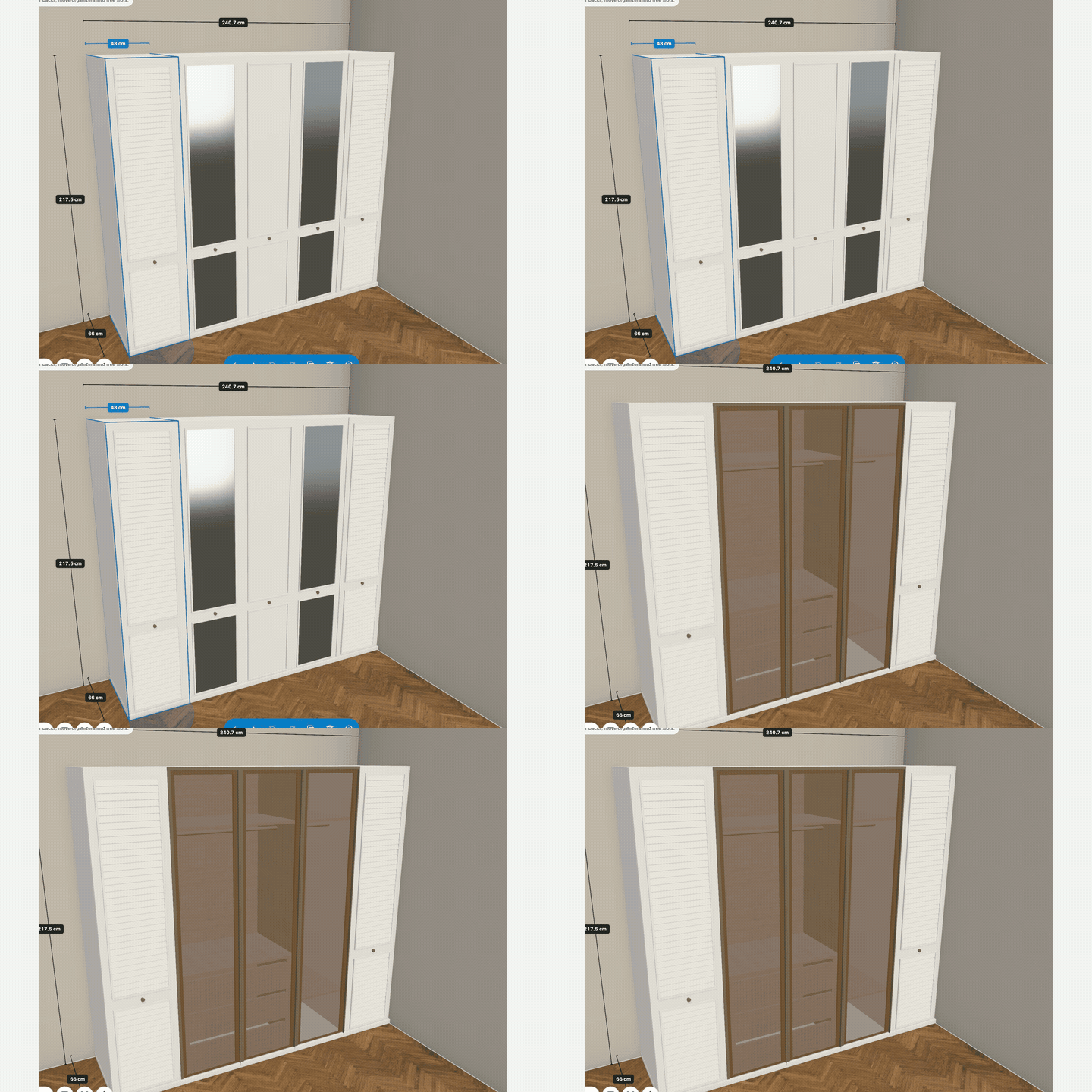
Change the seating arrangement, add or remove modules, or drag them into a new layout. Combine wardrobe bodies, door styles, and interior options to suit your customer’s needs.
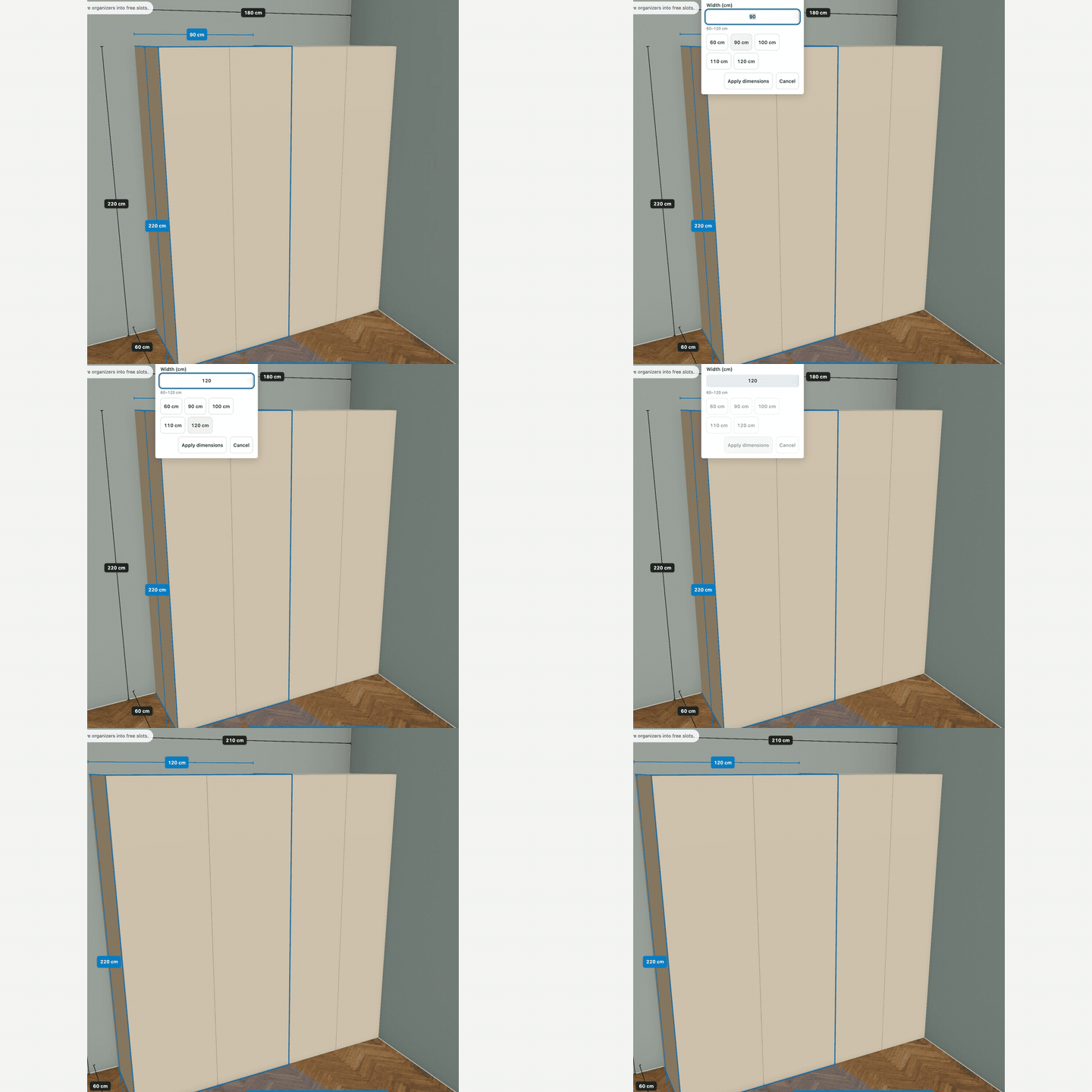
Change custom dimensions directly on the product
On products that support custom dimensions, click the measurement in the scene and enter a new value. See the product expand immediately, so your customer can understand how the new size affects the room layout.
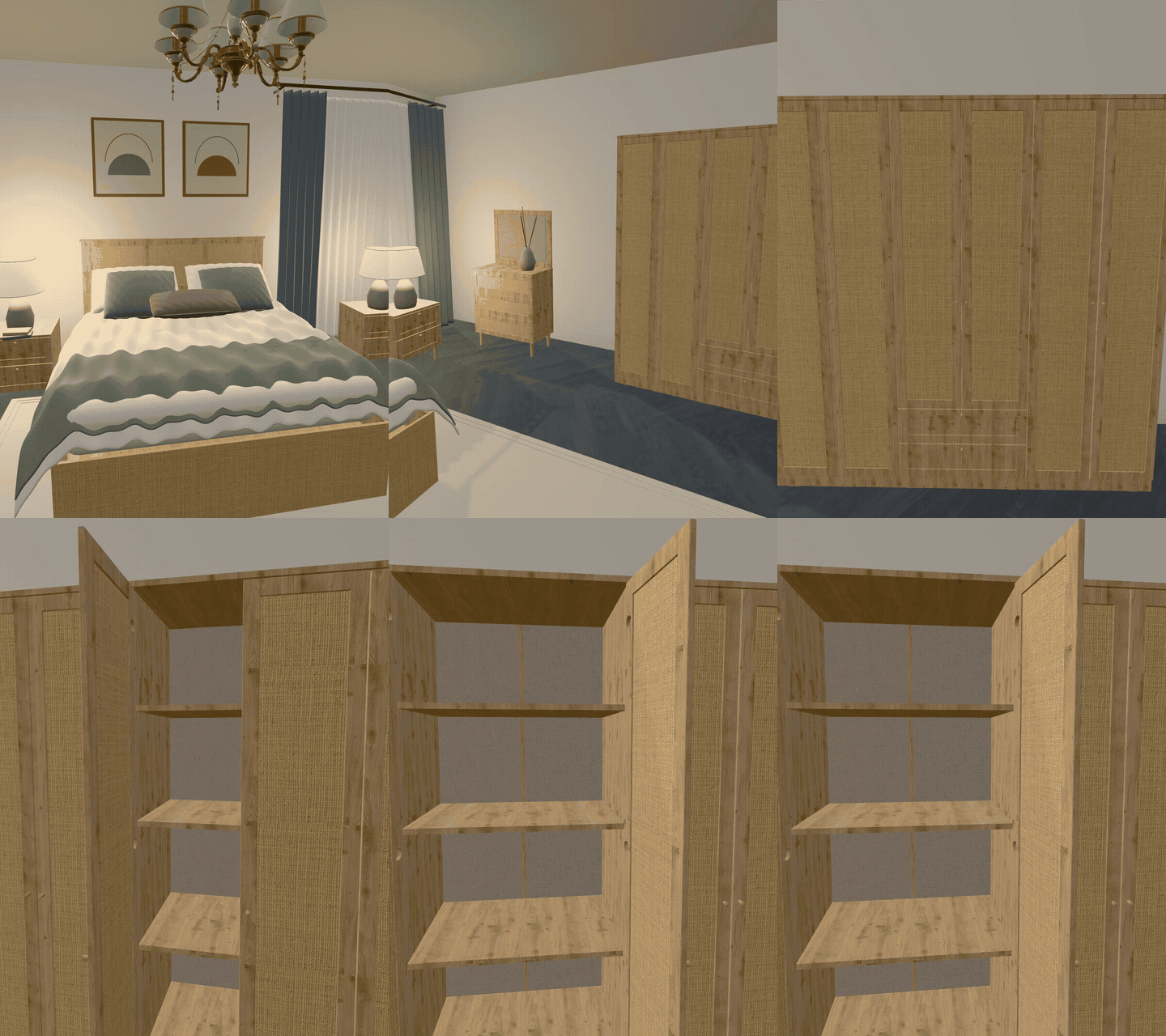
Walk through the room and explore the details
Go beyond a top view. Walk through the room to see how the furniture fits together. On models with opening doors, open wardrobe doors and explore the interior layout.
Present your design with a render
Get a free render of your design or create an 8K render with AI. Turn the chosen design into a visual you can share with your customer.
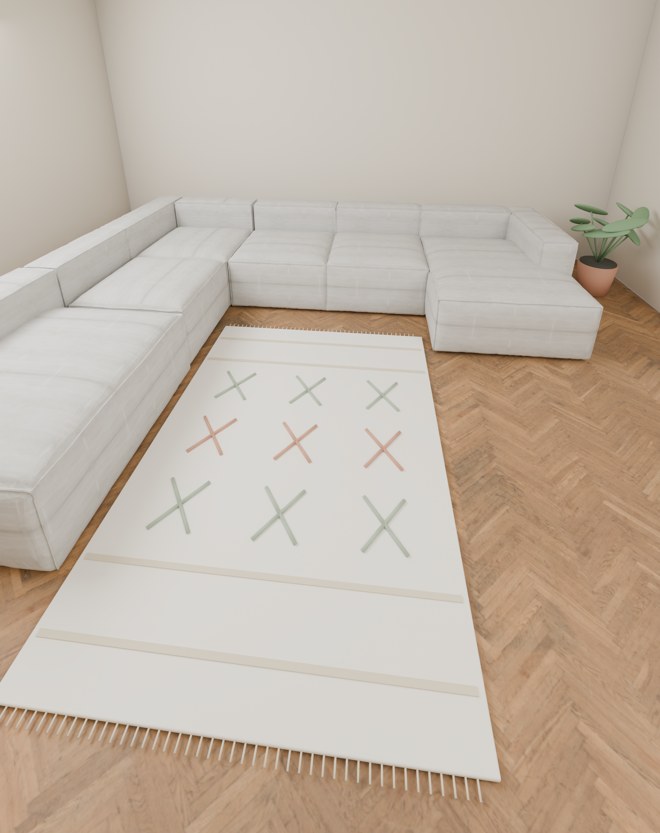
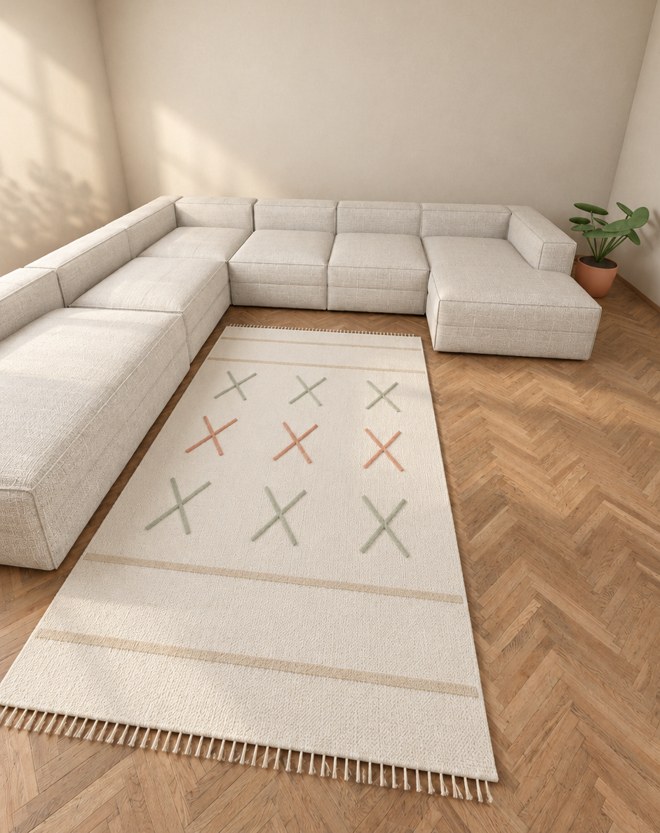
The AI image is an illustrative preview.
The chosen design becomes your quote
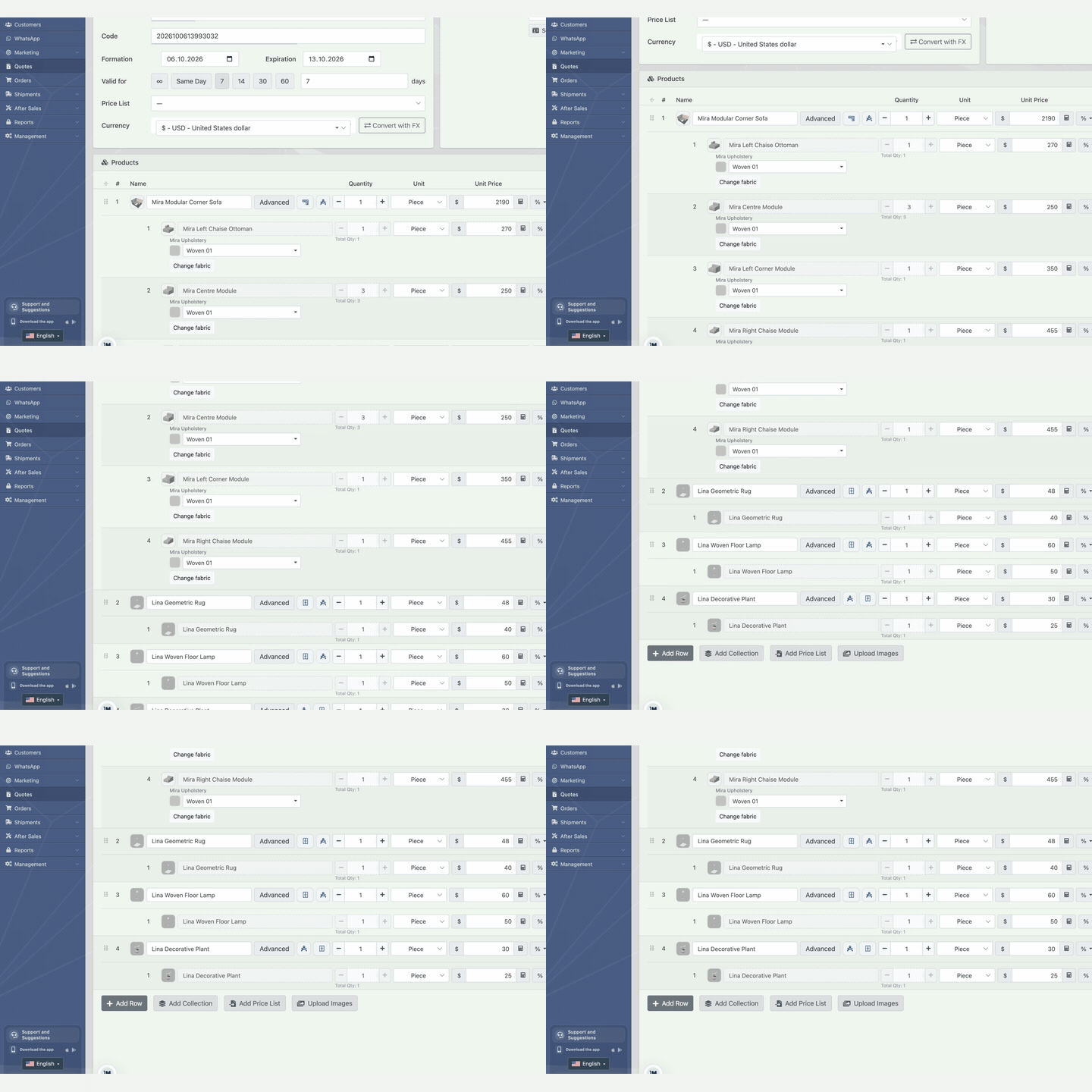
Turn the prepared scene into a quote. Bring the selected products, modules, and prices into the quoting workflow, and continue the sale with the combination you agreed on together.
Use it without installation
Work in your browser on a phone, tablet, or computer. Continue your design conversations across devices, wherever you meet your customers.
Let customers see the product in their own home
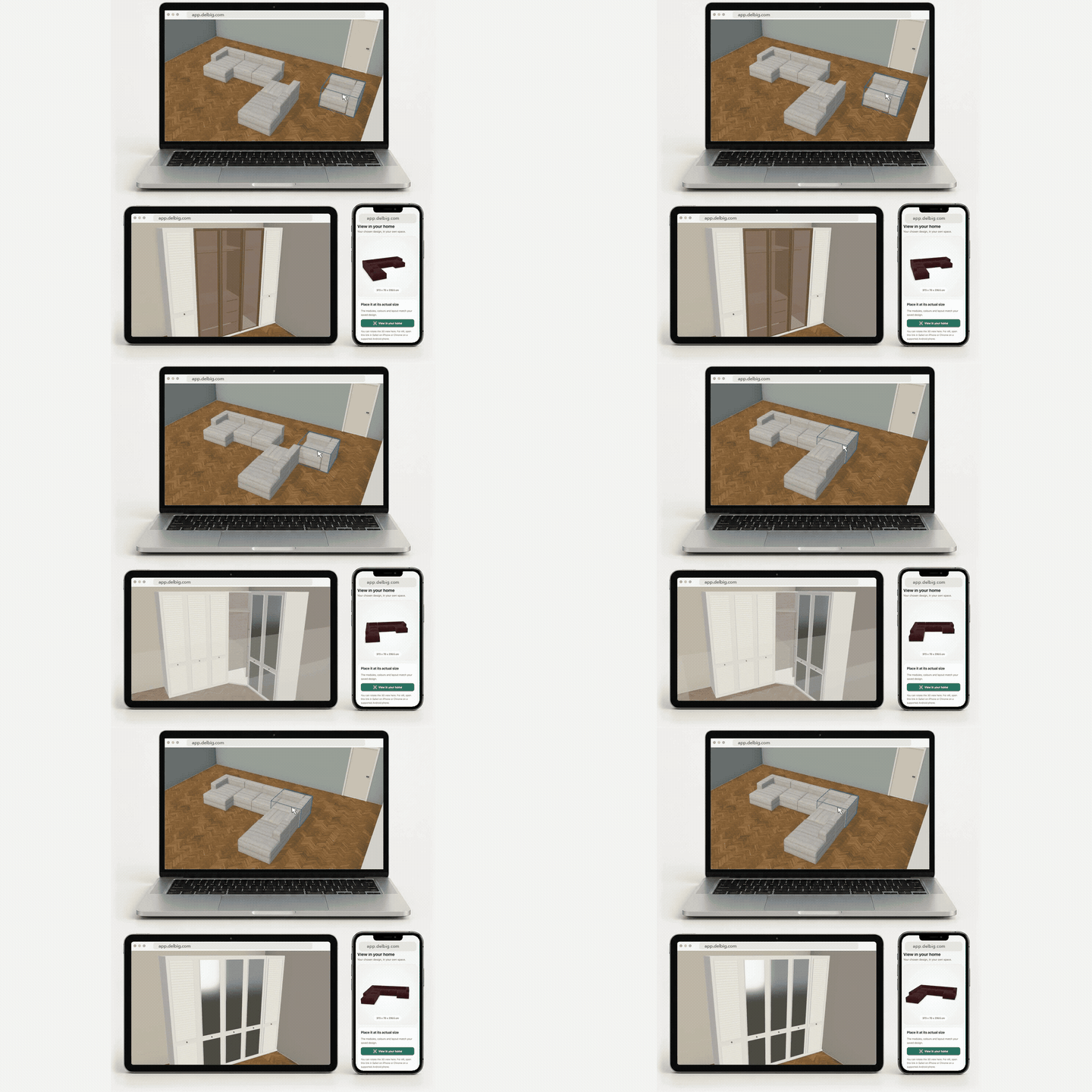
Share a “View in Your Home” link so customers can explore the product in their own space using augmented reality on supported devices. Bring the 3D product presentation to your website and extend the experience beyond the showroom.
Frequently asked questions
What is Design Your Room?
A Delbig module that brings room planning, modular furniture configuration, rendering, and quoting together.
Can we use our own products?
Your product models, dimensions, fabrics, and compatible modules must be defined in your catalog. Available options depend on those definitions.
Is installation required?
The room design workflow runs in a browser on a phone, tablet, or computer. Delbig also has a mobile application.
Are all renders free?
Standard rendering is free. AI-powered 8K rendering is a separate option; its usage terms are shown in the application.
Where can existing users find the module?
Open Modules in Delbig and select Design Your Room to review its scope and the options available for your account.